Beginner Setup Guide
Getting Leaf on your world.
Hello and welcome to the starting setup for Leaf Essentials!
To start off, you need to download Leaf Essentials, which can be found in MCBETools. Make sure you download the right version. If the version you find is outdated, go to her Discord, and type in "Leaf Essentials" in the Discovery section when searching up a server in Discord. Her latest versions will always be in Discord first.
Once you install the add-on, it is preferred that you add this into a new world, rather than an existing one. (You can put it on an existing world, but from experience, things can be funky, and also corrupt your world. This is a Minecraft: Bedrock Edition issue, and there is nothing you can do much right now. Use at your own risk.) When in the new world selection, go to behavior packs and resource packs and apply the corresponding packs on your world. Once your ready, make sure to turn on the Beta-API toggle in the experimental toggles! (Make sure to also turn on cheats, you are gonna need to add a tag to yourself here soon.
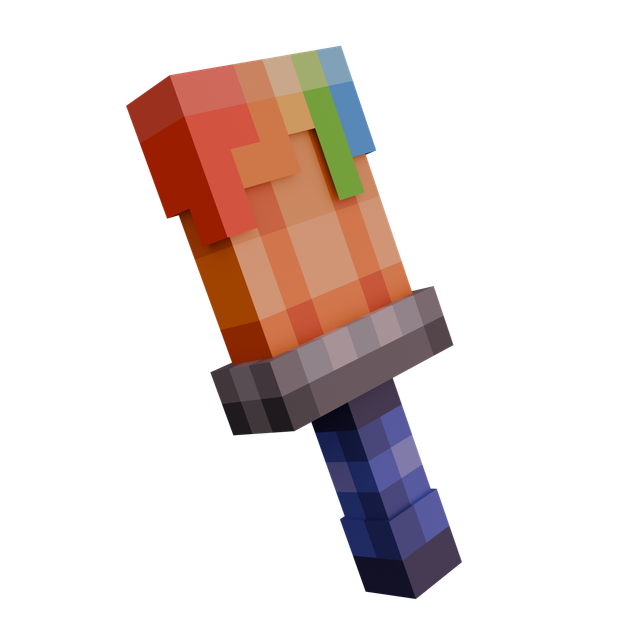
Once you boot up, you are going to need the Leaf Config item. To enter it's UI though, run this command in your chatbar:
/tag @s add admin
To get the item, go to your creative menu and search up "Leaf Config"
What next?
Leaf Essentials at times can be pretty confusing. Yet despite that, you have very little limitations when working on this. If you need some help, Trashy has some really nice and self-explanatory videos on the Leaf Essentials YouTube Channel!